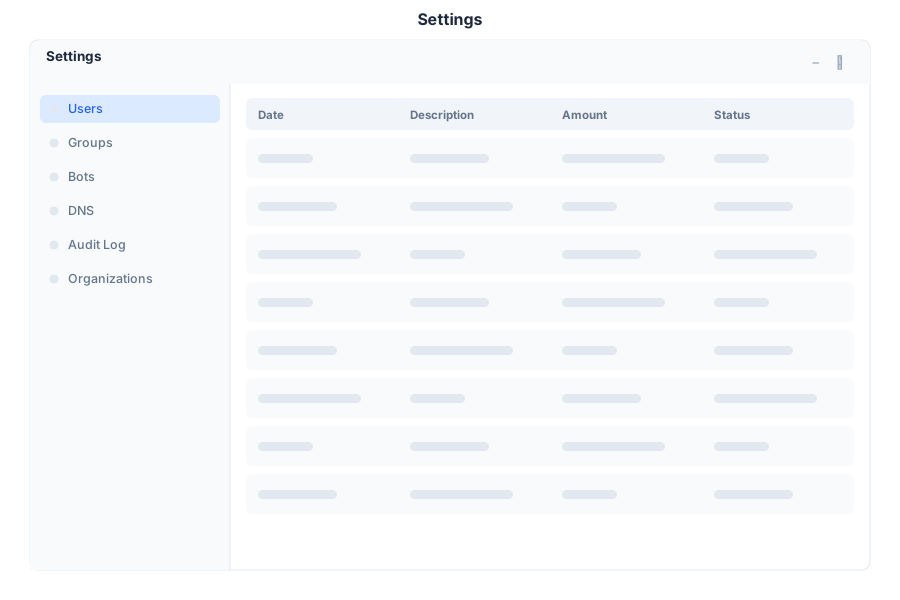
Your profile, security, and preferences
Settings is the user preferences application in General Bots Suite. Manage your profile, security credentials, appearance, notifications, and third-party integrations. Settings gives you full control over how the platform looks, feels, and behaves across all your sessions.
Setting Description
Avatar Upload or change your profile picture Display Name Your visible name across the suite Email Address Primary email for notifications Bio Short description of your role Language Preferred language for the interface
Setting Description
Change Password Update your account password Two-Factor Authentication Enable 2FA via authenticator app Active Sessions View and revoke active sessions Login History Recent login attempts and locations API Keys Generate and manage access tokens
Setting Description
Theme Light, dark, or system default Accent Color Primary color for the interface Font Size Small, medium, or large Compact Mode Reduce spacing for dense views Sidebar Position Left or right placement
Channel Options
Email Frequency, digest, critical-only Push Browser push notifications In-App Real-time badges and banners Sound Notification sounds on/off Quiet Hours Do-not-disturb schedule
Integration Description
API Keys Create and revoke programmatic access Webhooks Configure event-driven callbacks OAuth Apps Manage connected applications SSO Settings Single sign-on configuration
Shortcut Action
G then PGo to Profile G then SGo to Security G then AGo to Appearance G then NGo to Notifications G then IGo to Integrations Ctrl+SSave changes EscapeCancel editing
Change my theme to dark
09:00
🎨 Theme updated to Dark .
The interface will now use a dark color scheme across all pages.
09:00
🔐 Two-factor authentication setup initiated.
Scan this QR code with your authenticator app, then enter the 6-digit code to verify:
[QR code image returned by the bot]
10:15
Update my display name to Marketing Lead
11:30
✅ Display name updated to Marketing Lead .
This change is reflected across all suite applications.
11:30
Endpoint Method Description
/api/users/meGET Get current user profile /api/users/mePATCH Update profile fields /api/users/me/securityGET Security settings and session list /api/users/me/security/passwordPUT Change password /api/users/me/security/2faPOST Enable 2FA /api/users/me/security/2faDELETE Disable 2FA /api/users/me/sessionsGET List active sessions /api/users/me/sessions/:idDELETE Revoke a session /api/users/me/notificationsGET Notification preferences /api/users/me/notificationsPUT Update notification preferences /api/users/me/api-keysGET List API keys /api/users/me/api-keysPOST Generate new API key /api/users/me/api-keys/:idDELETE Revoke API key
{
    "display_name": "Marketing Lead",
    "avatar_url": "https://cdn.example.com/avatars/user123.png",
    "language": "en",
    "bio": "Leading marketing initiatives"
}
{
    "id": "usr-abc123",
    "display_name": "Marketing Lead",
    "email": "user@company.com",
    "avatar_url": "https://cdn.example.com/avatars/user123.png",
    "language": "en",
    "theme": "dark",
    "created_at": "2024-01-15T08:00:00Z"
}
Settings are stored per-user in the database. Default values can be overridden in config.csv:
key,value
default-theme,dark
default-language,en
allow-2fa,true
max-sessions,5
Clear browser cache
Check if system theme override is active
Refresh the page
Verify no conflicting browser extensions
Use your backup codes from initial setup
Contact an administrator to reset 2FA
Verify authenticator app time is synced
Check notification preferences are enabled
Verify browser push notification permissions
Check email spam folder for digest emails
Ensure quiet hours are not blocking delivery