Editor 🟡 PREVIEW
Preview application. Usable today, not yet part of the supported surface.
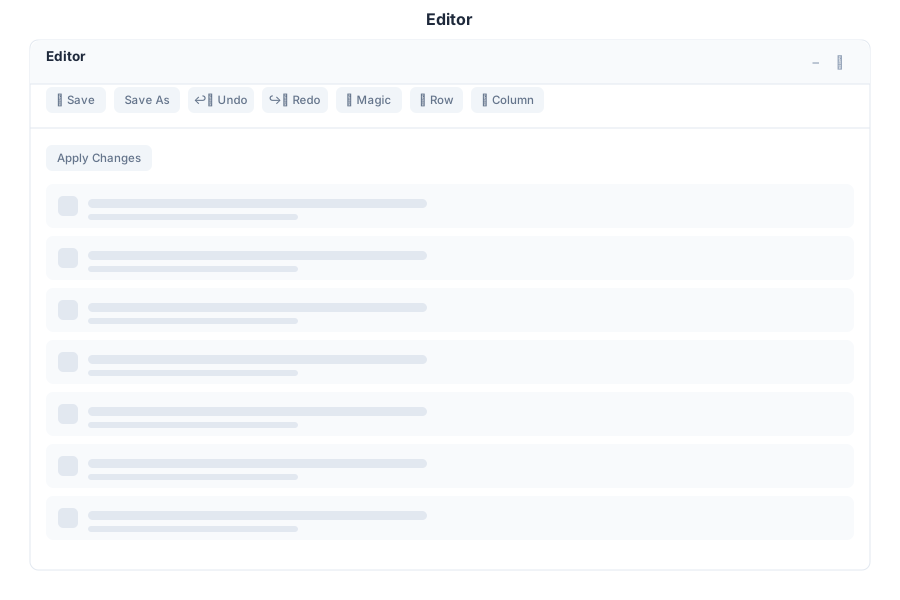
Editor is the suite’s text and code editor. It opens files from your Drive, edits them with syntax-aware tooling, and can apply AI improvements to what you have selected.
What it does
| Capability | Detail |
|---|---|
| Open and edit files | Load a file, edit it, save it back |
| Monospace editing | Configurable code fonts, including JetBrains Mono, Fira Code, Cascadia Code and DejaVu Sans Mono |
| Column support | Column editing for repetitive changes |
| AI improvements | Ask for a change in words; the assistant rewrites the selected region rather than pasting a suggestion you have to apply by hand |
An accuracy note
The app catalog in botserver/src/apps/registry.rs describes Editor as a “Code and file editor with git integration”. Git integration is not implemented — there is no git reference anywhere in the editor’s front-end code. Use your own git client, or the Terminal, until that changes.
If you are editing bot scripts, the .gbdialog files are the ones that matter, and they are version-controlled in Drive like any other file.
Opening it
Editor is a preview application. Turn on the Preview switch in the left sidebar, then open Editor from the app menu.
See Also
- Designer - Low-code app and page building
- Terminal - Command line for tasks the editor does not cover
- Vibe - Coding inside a managed project
- Apps overview - Stability classification for the whole suite