Virtual Desktop (VDI) 🟡 PREVIEW
Preview application. Usable today, not yet part of the supported surface.
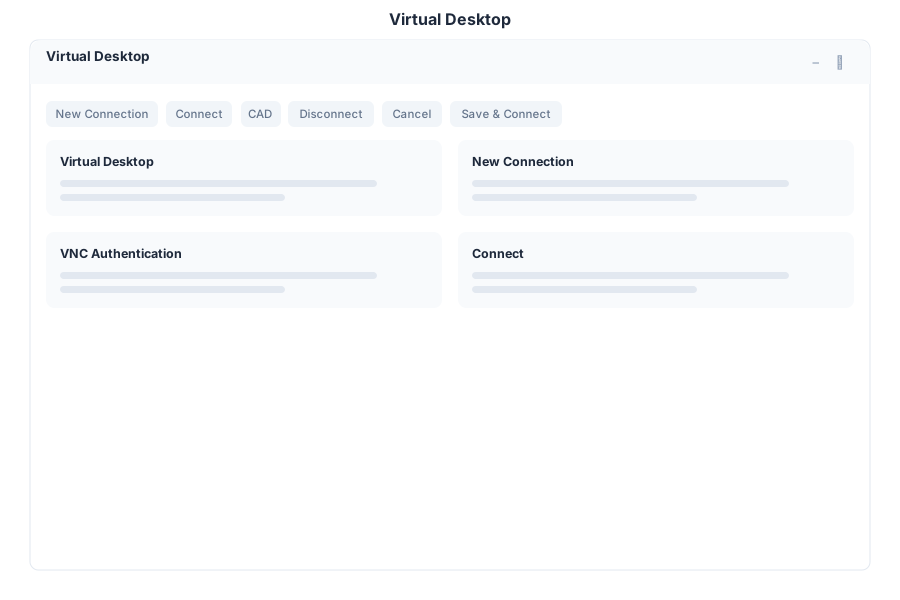
VDI connects the suite to remote desktops. Instead of leaving the browser to reach a machine elsewhere, the remote session opens inside the suite as a window.
What it does
| Capability | Detail |
|---|---|
| Connections | Define remote desktop connections by host:port |
| VNC | Connect to VNC servers, including password authentication |
| RDP | Remote Desktop Protocol connections |
| Session window | The remote session runs inside the suite’s window manager |
Why it is useful
Operational work often requires a machine that is not the one you are sitting at — a build host, a legacy system, a machine on another network. VDI keeps that session alongside the tasks and notes that describe why you opened it.
Opening it
VDI is a preview application. Turn on the Preview switch in the left sidebar, then open VDI from the app menu.
Security note
A remote desktop connection carries credentials and full control of the target machine. Restrict who can define connections, prefer key-based or directory-backed authentication over stored passwords, and confirm that the target is reachable only from networks you intend. Nothing here should be exposed to the public internet directly — reach it through your normal access path (VPN, tunnel or the Browser proxy).
See Also
- Browser - Web sessions inside the suite
- Terminal - Command line access
- Security Policy - Access rules
- Apps overview - Stability classification for the whole suite