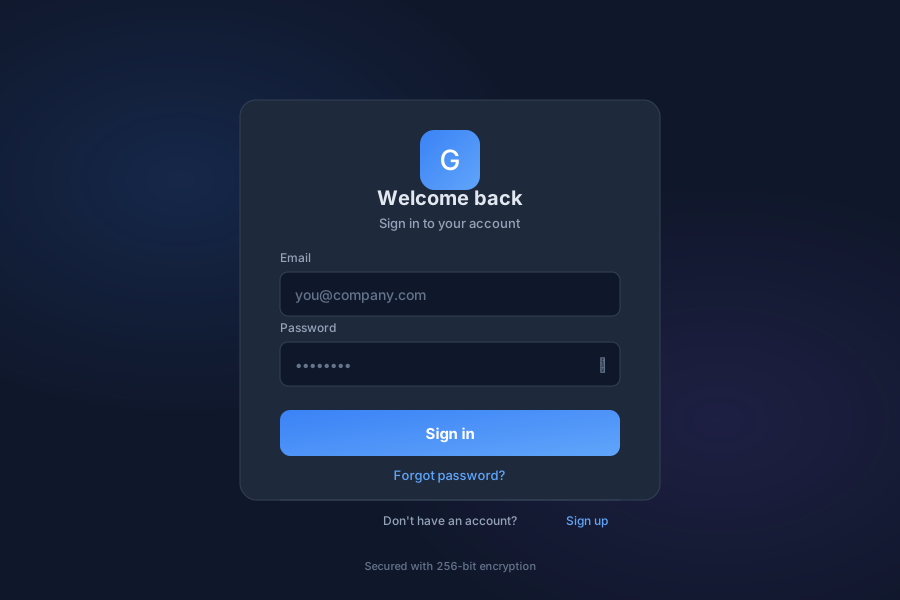
Secure authentication
Not a launcher app. login and authentication surface, served by the login UI on port 5000. This page is kept here because it documents part of the suite, but it does not appear in the app menu and has no stability classification.
Auth provides secure authentication for General Bots Suite. Manage user login, registration, password recovery, and account bootstrap. Auth supports multiple authentication methods including email/password, SSO, and multi-factor authentication.
Method Description
Email/Password Standard credential authentication SSO Single Sign-On via SAML/OAuth MFA Multi-factor authentication Remember Me Persistent session option Social Login Google, Microsoft, GitHub
Field Description
Email User email address Password Secure password requirements Name Full name Organization Optional org invitation Terms Accept terms of service
Step Description
Enter Email Provide registered email Receive Link Get password reset email Click Link Follow secure reset link New Password Set new password Confirm Verify and save
Field Description
Current Password Verify current password New Password Enter new password Confirm Password Re-enter for verification Strength Indicator Password strength feedback
Feature Description
Initial Setup First-time system configuration Admin User Create initial admin account Organization Set up organization details License Enter license key Configuration Basic system settings
🔧 System Bootstrap
📋 Initial setup required
👤 Create admin user
🏢 Configure organization
📝 Enter license key
⚙️ Set basic preferences
08:00
Endpoint Method Description
/api/auth/loginPOST User login /api/auth/logoutPOST User logout /api/auth/registerPOST Create account /api/auth/forgot-passwordPOST Request password reset /api/auth/reset-passwordPOST Reset password /api/auth/refreshPOST Refresh access token /api/auth/verifyGET Verify authentication /api/auth/bootstrapPOST Initial system setup