Retail 🟡 PREVIEW
Preview application. Usable today, not yet part of the supported surface.
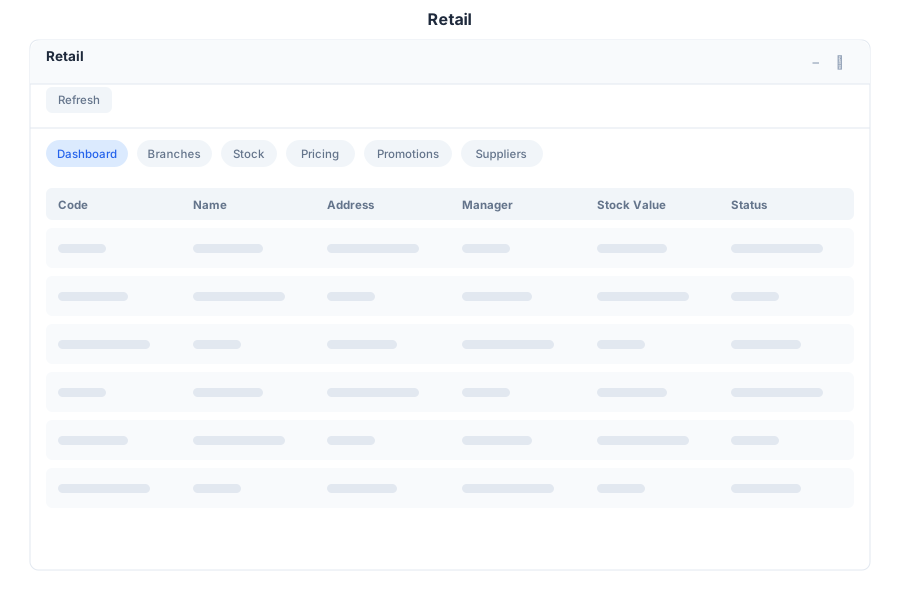
Retail is the operations view for shops that hold stock in more than one place: branch performance, promotions, suppliers and stock alerts in one screen.
What it does
| Capability | Detail |
|---|---|
| Branches | Store branches with their own identifiers (for example BR-01) and performance figures |
| Stock alerts | Items that need attention, surfaced rather than searched for |
| Top products | Best-performing items by branch |
| Promotions | Active promotions and the pricing rules behind them |
| Suppliers | Supplier records associated with the branch |
| Product search | Find an item by SKU or product name |
Where the data comes from
Retail reads the catalog and pricing configured in Products and the sales recorded through POS. It is a reporting and operations layer over those, not a separate inventory system — which means discrepancies here usually originate upstream.
Opening it
Retail is a preview application. Turn on the Preview switch in the left sidebar, then open Retail from the app menu.
Limits
- Pricing rules are loaded from the backend; until they arrive the pricing view stays empty.
- Branch-level reporting assumes products are associated with branches in the catalog.
See Also
- POS - Point of sale
- Products - Catalog, services and price lists
- Sales - Pipeline and forecasting
- Apps overview - Stability classification for the whole suite