o365 🟡 PREVIEW - Unified Office Productivity
SP, Calendar, Drive & Mail integration in a single interface
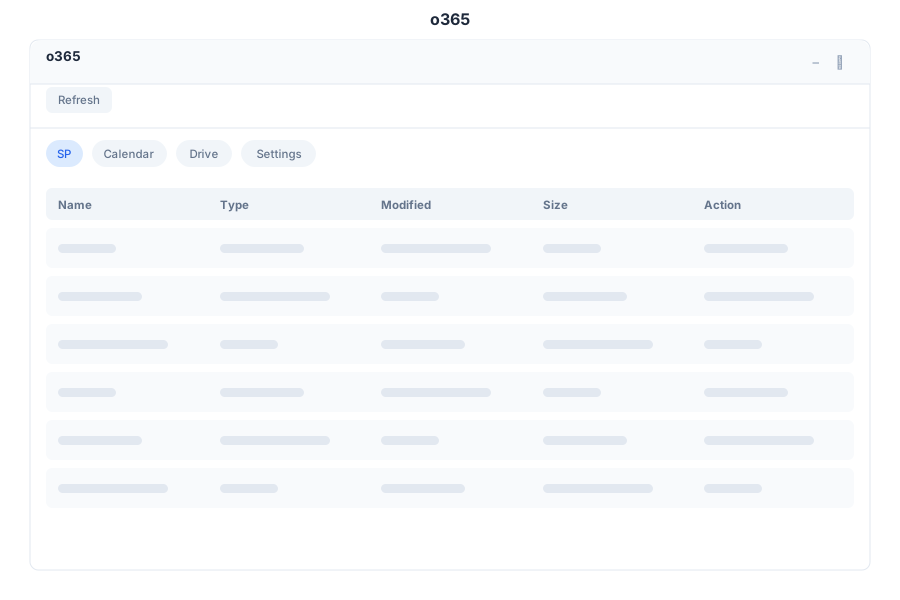
Overview
o365 is the unified office productivity integration app. It merges the former M365 and Office 365 apps
into a single interface backed by one real backend (botm365). Terms are vendor-neutral: SP instead of
SharePoint, Drive instead of OneDrive, and o365 instead of Microsoft 365.
Connect once and access your office resources without switching between applications.
Features
SP (Sites & Lists)
| Capability | Description |
|---|---|
| Sites | Browse accessible SP sites |
| Lists | View lists and item counts |
| Items | Inspect documents and list items |
Calendar
| Capability | Description |
|---|---|
| Events | View upcoming calendar events |
| Meetings | Create meetings with subject, start, end, attendees |
| Status | Track event status |
Drive (Files)
| Capability | Description |
|---|---|
| Files | Browse, upload, and download files |
| Folders | Navigate folder hierarchy |
| Breadcrumb | Deep folder navigation with breadcrumbs |
Settings
| Capability | Description |
|---|---|
| Connect | Authenticate and connect o365 account |
| Sync | Manual sync + per-service frequency |
| Status | Connection and last-sync state |
API Reference
The unified app uses the /api/o365/* namespace (aliases of the canonical /api/m365/* backend).
| Endpoint | Method | Description |
|---|---|---|
/api/o365/sharepoint | GET | List SP site items |
/api/o365/calendar | GET | List calendar events |
/api/o365/calendar | POST | Create calendar event |
/api/o365/onedrive | GET | List Drive files (?folder= optional) |
/api/o365/settings | GET | Get connection settings |
Aliases: /api/m365/* remains available for the same handlers — both namespaces resolve to the
same botm365 crate (DB-backed m365_sharepoint_items, m365_calendar_events,
m365_onedrive_files, oauth_microsoft_settings).