Database 🟡 PREVIEW - Schema Browser
Browse and edit database tables
Overview
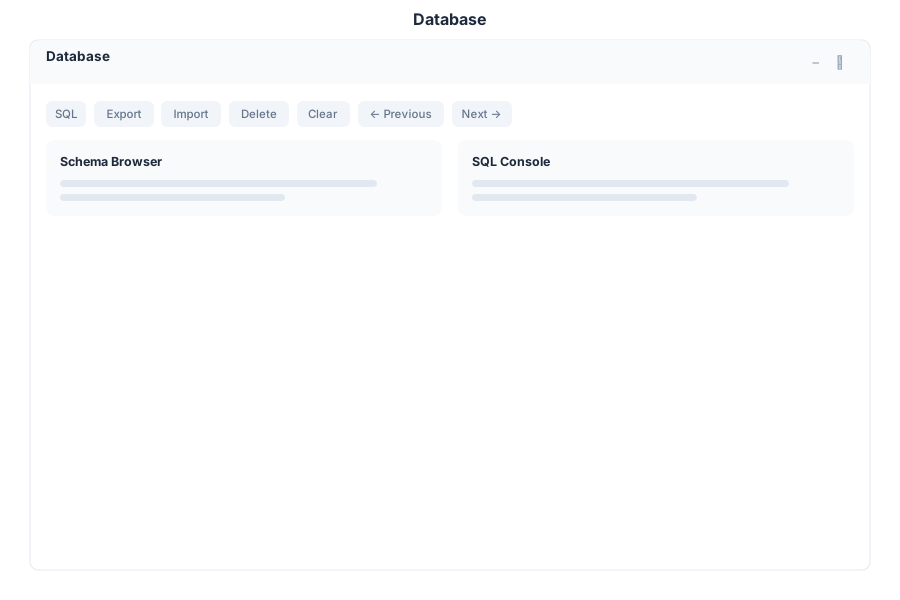
Database is your visual database management tool for General Bots Suite. Browse schemas, query data with SQL, edit records inline, and import or export CSV files. It provides a clean data grid interface for quick inspection and manipulation of database tables without leaving the Suite.
Features
Schema Browser
Explore all database tables and their structure:
- Tables — List all tables in the connected database
- Columns — View column names, types, constraints, and defaults
- Indexes — Inspect primary keys, unique indexes, and foreign keys
- Relationships — See foreign key relationships between tables
Data Grid
View and edit table contents directly in the browser:
- Inline Editing — Click a cell to edit its value in place
- Sorting — Click column headers to sort ascending or descending
- Filtering — Apply per-column filters to narrow results
- Row Selection — Select individual rows or all rows for bulk operations
SQL Query Editor
Write and execute custom SQL queries:
- Syntax Highlighting — Color-coded SQL keywords and identifiers
- Auto-Complete — Suggest table and column names as you type
- Execute — Run the query and view results in the grid
- Save Queries — Store frequently used queries for quick access
- Query History — Re-run previous queries from history
Import / Export CSV
Move data between CSV files and database tables:
- Import — Upload a CSV file and map columns to the target table
- Export — Download table data or query results as CSV
- Delimiter Options — Support for comma, semicolon, and tab delimiters
- Encoding — UTF-8, Latin-1, and other character encodings
Pagination
Navigate large result sets efficiently:
- Page Size — Choose rows per page (25, 50, 100, 500)
- Page Navigation — First, Previous, Next, Last page buttons
- Total Count — Display total row count for the query
Column Filters
Apply quick filters on any column:
- Text Columns — Contains, equals, starts with, ends with
- Numeric Columns — Equals, greater than, less than, between
- Date Columns — Before, after, between dates
- Null Filters — Show only null or non-null values
Keyboard Shortcuts
| Shortcut | Action |
|---|---|
Ctrl+Enter | Execute SQL query |
Ctrl+S | Save current query |
Ctrl+N | New query tab |
/ | Focus search / filter |
Escape | Close modal or cancel edit |
↑ ↓ | Navigate rows in grid |
F2 | Edit selected cell |
Delete | Delete selected row |
Database via Chat
API Reference
| Endpoint | Method | Description |
|---|---|---|
/api/database/tables | GET | List all tables in the database |
/api/database/tables/:name | GET | Get table schema (columns, types, constraints) |
/api/database/tables/:name/rows | GET | Query table rows with pagination and filters |
/api/database/tables/:name/rows | POST | Insert a new row |
/api/database/tables/:name/rows/:id | PUT | Update a row by primary key |
/api/database/tables/:name/rows/:id | DELETE | Delete a row by primary key |
/api/database/query | POST | Execute a custom SQL query |
/api/database/query/saved | GET | List saved queries |
/api/database/query/saved | POST | Save a new query |
/api/database/query/history | GET | Get query execution history |
/api/database/import/csv | POST | Import CSV data into a table |
/api/database/export/csv | GET | Export table or query results as CSV |