Workspace 🟡 PREVIEW - Pages & Blocks
Notion-style page editor
Overview
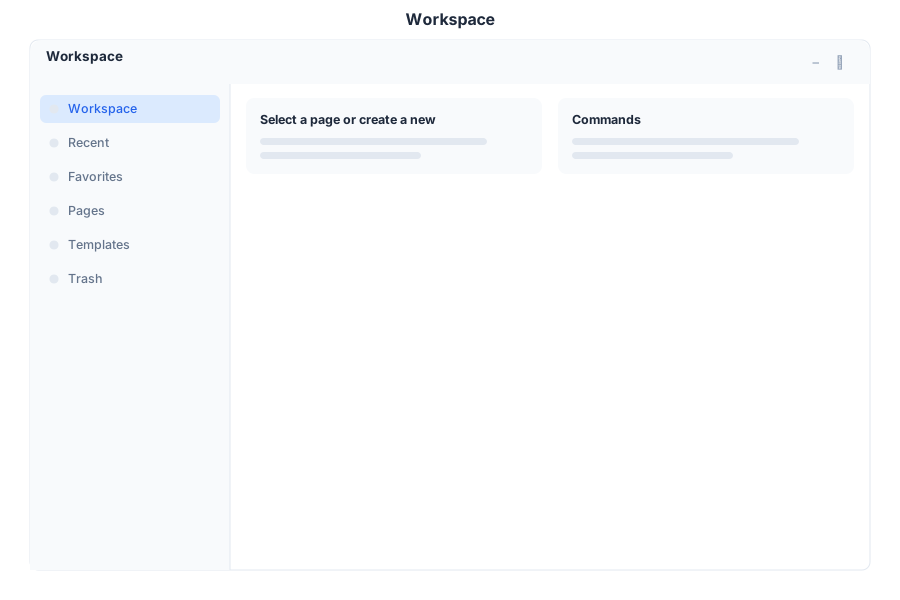
Workspace is the Notion-style page editor and knowledge base module in General Bots Suite. Create, organize, and collaborate on documents using flexible block-based editing. Workspace provides a powerful yet intuitive platform for team knowledge management and documentation.
Features
Pages
Create and organize pages in a hierarchical structure.
| Action | Description |
|---|---|
| Create Page | Start new document with title |
| Nest Pages | Create sub-pages for organization |
| Favorite Pages | Pin important pages for quick access |
| Move Pages | Reorganize page hierarchy |
| Archive Pages | Move unused pages to archive |
Blocks
Flexible content blocks for rich document creation.
| Block Type | Description |
|---|---|
| Text | Paragraph text with formatting |
| Headings | H1, H2, H3 headings for structure |
| Lists | Bullet, numbered, and checkbox lists |
| Toggles | Expandable/collapsible content sections |
| Code | Code blocks with syntax highlighting |
| Callouts | Highlighted information boxes |
| Quotes | Blockquotes for references |
| Dividers | Horizontal lines for separation |
| Images | Embedded images with captions |
| Files | Attached documents and media |
Search
Full-text search across all workspace content.
| Feature | Description |
|---|---|
| Quick Search | Instant search as you type |
| Advanced Filters | Search by type, author, date |
| Highlight Results | Visual highlighting in search results |
| Recent Pages | Quick access to recently edited |
Templates
Pre-built page templates for common use cases.
| Template | Description |
|---|---|
| Meeting Notes | Structured meeting documentation |
| Project Brief | Project planning and overview |
| Weekly Report | Status update template |
| Brainstorm | Idea capture and organization |
| Documentation | Technical documentation format |
Collaboration
Real-time collaboration features for teams.
| Feature | Description |
|---|---|
| Comments | Add comments to any block |
| Mentions | Tag colleagues with @mentions |
| Version History | View and restore previous versions |
| Page Sharing | Share pages with specific people |
| Public Pages | Publish pages to the web |
Keyboard Shortcuts
| Shortcut | Action |
|---|---|
N | Create new page |
E | Edit page |
F | Favorite/unfavorite page |
S | Focus search |
Ctrl+Shift+F | Full-screen edit mode |
/ | Open block menu |
? | Show shortcuts |
Workspace via Chat
Creating a New Page
Searching for Content
API Reference
Workspace operations are available via REST API:
| Endpoint | Method | Description |
|---|---|---|
/api/workspace/pages | GET | List all pages |
/api/workspace/pages | POST | Create new page |
/api/workspace/pages/:id | GET | Get page content |
/api/workspace/pages/:id | PUT | Update page |
/api/workspace/pages/:id | DELETE | Delete page |
/api/workspace/pages/:id/blocks | GET | Get page blocks |
/api/workspace/pages/:id/blocks | POST | Add block to page |
/api/workspace/pages/:id/favorite | POST | Toggle favorite |
/api/workspace/pages/:id/comments | GET | Get page comments |
/api/workspace/search | GET | Search workspace |
/api/workspace/templates | GET | List templates |
Related Pages
- Drive App — Store and manage files
- Paper App — Word processing documents
- Tasks App — Task management
- Chat App — AI assistance for content creation
- Suite Manual — Full Suite overview