Timeclock 🟡 PREVIEW - Time Tracking
Employee time clock with GPS tracking, overtime management, and attendance reports
Overview
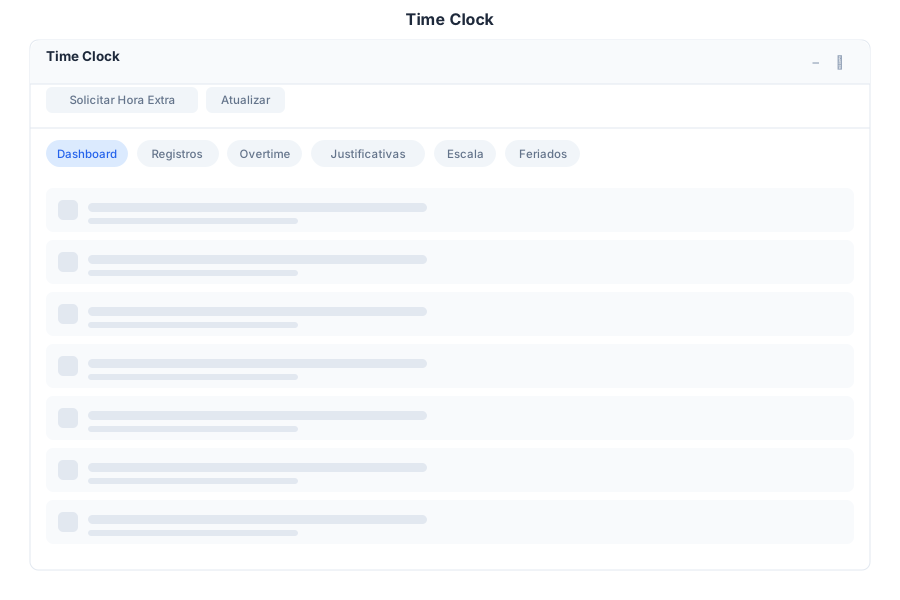
Timeclock provides accurate employee time tracking with GPS verification, overtime management, and comprehensive attendance reports. Employees can clock in/out, request overtime, and managers can approve entries and generate payroll-ready reports.
Features
Clock In/Out
| Capability | Description |
|---|---|
| Clock In | Start work session with GPS verification |
| Clock Out | End work session |
| Break | Start/end break periods |
| GPS Tracking | Location verification on clock events |
| Geofence | Configurable work zone boundaries |
Records
| Capability | Description |
|---|---|
| History | Complete work session history |
| Edit | Manager corrections with notes |
| Filters | Filter by date, employee, or status |
| Export | CSV and Excel export |
Overtime
| Capability | Description |
|---|---|
| Request | Employee overtime requests |
| Approve | Manager approval workflow |
| Policies | Configurable overtime rules |
| Tracking | Cumulative overtime tracking |
Reports
| Capability | Description |
|---|---|
| Hours | Total hours worked per period |
| Attendance | Absence and presence tracking |
| Payroll | Payroll-ready summary reports |
| Analytics | Trend analysis and dashboards |
Keyboard Shortcuts
| Shortcut | Action |
|---|---|
Ctrl + I | Clock in |
Ctrl + O | Clock out |
Ctrl + B | Start/end break |
Ctrl + R | View records |
Ctrl + H | Request overtime |
Ctrl + P | Generate payroll report |
Ctrl + F | Filter records |
Esc | Close current view |
Timeclock via Chat
User: Clock in
Bot: Clocking you in now…
Clock-in recorded:
- Time: 09:00 AM
- Location: Office (verified)
- Date: January 16, 2024
You are now clocked in. Have a productive day!
Tip: Don’t forget to clock out or start a break when needed.
User: Show my hours this week
Bot: Your hours for this week (Jan 15-19, 2024):
| Day | Clock In | Clock Out | Hours |
|---|---|---|---|
| Mon | 09:00 | 18:00 | 8.0h |
| Tue | 08:45 | 17:30 | 7.75h |
| Wed | 09:00 | 19:00 | 9.0h |
| Thu | 09:15 | — | In progress |
| Fri | — | — | — |
Total this week: 24.75 hours Overtime: 0.75 hours
Would you like to request overtime or generate a report?
API Reference
| Endpoint | Method | Description |
|---|---|---|
/api/timeclock/clock/in | POST | Clock in |
/api/timeclock/clock/out | POST | Clock out |
/api/timeclock/clock/break | POST | Toggle break status |
/api/timeclock/clock/status | GET | Get current clock status |
/api/timeclock/records | GET | List time records |
/api/timeclock/records/{id} | GET | Get record by ID |
/api/timeclock/records/{id} | PUT | Update record |
/api/timeclock/overtime | GET | List overtime requests |
/api/timeclock/overtime | POST | Submit overtime request |
/api/timeclock/overtime/{id}/approve | POST | Approve overtime |
/api/timeclock/overtime/{id}/reject | POST | Reject overtime |
/api/timeclock/reports/hours | GET | Hours worked report |
/api/timeclock/reports/attendance | GET | Attendance report |
/api/timeclock/reports/payroll | GET | Payroll summary |
/api/timeclock/reports/export | GET | Export report as CSV/Excel |
Related Pages
- Employees — Employee management
- Attendance Queue — Human hand-off queues