Vibe Database 🟡 PREVIEW
Preview application. Part of the Vibe workspace, usable today, not yet part of the supported surface.
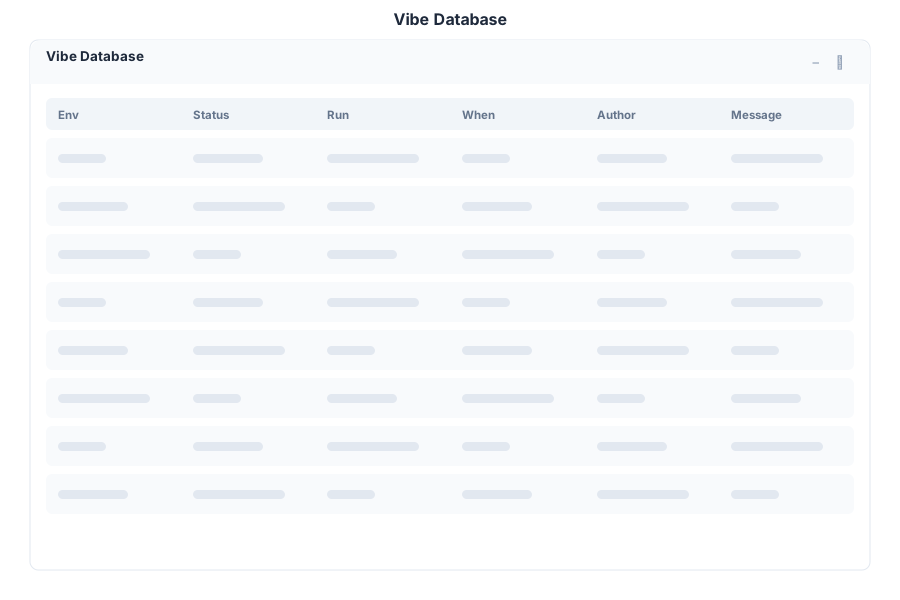
Vibe Database shows the schema of the selected project’s database, so you can see the tables a project actually created rather than reading migration files.
What it does
| Capability | Detail |
|---|---|
| Schema inspection | Tables and their columns for the selected project |
| Project-scoped | Each Vibe project has its own database; this app shows the selected one |
| Read-oriented | Built for understanding the shape of the data before changing code |
When to open it
- Before writing a query in the project, so the column names are right
- After applying a migration that did not behave as expected
- When reviewing someone else’s project and you need its data model quickly
For ad-hoc queries against the platform’s own database rather than a Vibe project, use the Database app.
Opening it
Turn on the Preview switch in the left sidebar, then open Vibe Database from the app menu. Select the project first.
See Also
- Vibe - The project workspace
- Database - SQL console for the platform database
- Vibe Deploy - Publishing a project
- Apps overview - Stability classification for the whole suite