Integrations 🟡 PREVIEW - Connector Platform
Connect external services
Overview
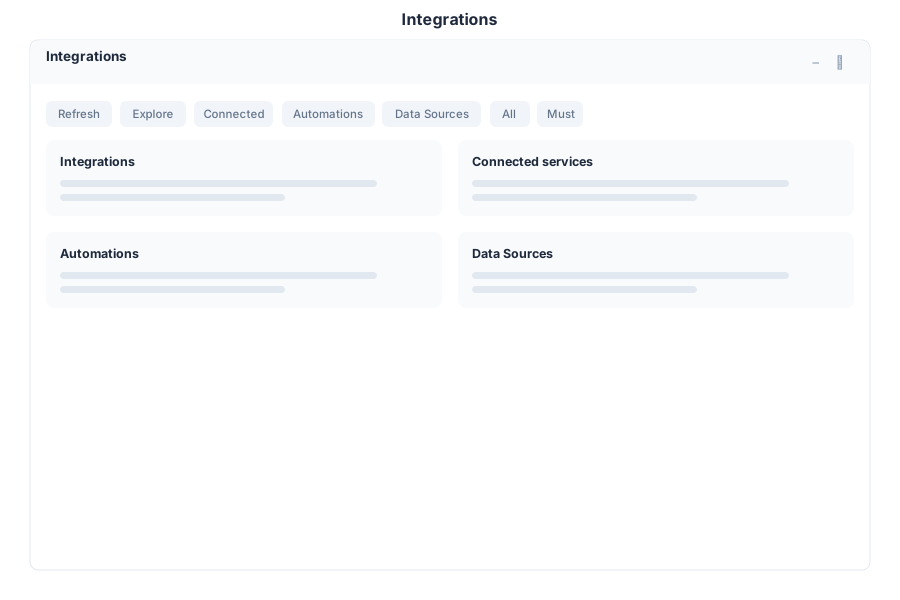
Integrations is the connector platform of General Bots Suite. Browse available connectors, manage active integrations, create ETL jobs, and monitor data synchronization across all your connected services.
Features
Available Connectors
Browse and activate connectors for external services:
- Catalog — Browse all available connectors by category
- Search — Find connectors by name or service type
- Details — View connector documentation and requirements
- Activate — Enable a connector with your credentials
Connector Categories:
| Category | Examples |
|---|---|
| CRM | Salesforce, HubSpot, Dynamics 365 |
| Communication | Slack, Microsoft Teams, Twilio |
| Gmail, Outlook, SendGrid | |
| Storage | Google Drive, Dropbox, OneDrive, MinIO |
| Finance | Stripe, PayPal, QuickBooks |
| Marketing | Mailchimp, Sendinblue, ActiveCampaign |
| Databases | PostgreSQL, MySQL, MongoDB |
| Social | Instagram, Facebook, Twitter |
Connected Services
Manage your active integrations:
- Status — Online, Offline, Error
- Configuration — Update credentials and settings
- Disable — Temporarily disable without deleting
- Remove — Disconnect and remove integration
ETL Jobs
Create and schedule data transformation jobs:
- Extract — Pull data from source systems
- Transform — Apply mapping, filtering, and aggregation rules
- Load — Push transformed data to destination systems
- Schedule — Run jobs on a cron schedule or trigger
ETL Job Statuses:
| Status | Description |
|---|---|
| Draft | Job configured but not scheduled |
| Scheduled | Waiting for next run time |
| Running | Currently executing |
| Completed | Finished successfully |
| Failed | Encountered an error |
| Paused | Temporarily suspended |
Sync Monitoring
Track data synchronization status:
- Sync Status — Last sync result and duration
- Sync History — Log of all past sync operations
- Conflict Resolution — Handle data conflicts during sync
- Error Log — View and retry failed sync operations
Data Sources
The Data Sources tab folds the former standalone Sources page into the
Integrations app, so outbound actions and inbound ingestion share one home.
It surfaces the same live botsources backend — no new endpoints:
| Section | Contents | Served by |
|---|---|---|
| MCP Servers | Registered Model Context Protocol servers, tool counts, enable/disable | GET /api/sources/mcp, POST /api/sources/mcp/:name/enable|disable |
| Repositories | Git repositories available as task context | GET /api/ui/sources/repositories |
| Models | Language models and the active configuration | GET /api/ui/sources/models |
| Accounts | IMAP accounts connected as LLM context sources | GET /api/ui/sources/accounts |
| API Keys | BYOK keys for LLM providers | GET /api/ui/sources/api-keys |
The /sources URL resolves to the Integrations app (desktop alias), and the
legacy standalone botui/ui/suite/sources/ page has been removed — this tab
is its replacement.
Keyboard Shortcuts
| Shortcut | Action |
|---|---|
N | New ETL job |
R | Refresh sync status |
E | Edit selected integration |
Escape | Close modal |
/ | Focus search |
Ctrl+J | Run selected ETL job |
Integrations via Chat
API Reference
| Endpoint | Method | Description |
|---|---|---|
/api/integrations/connectors | GET | List available connectors |
/api/integrations/connectors/:id | GET | Get connector details |
/api/integrations/connected | GET | List active integrations |
/api/integrations/connected | POST | Activate a new integration |
/api/integrations/connected/:id | PUT | Update integration configuration |
/api/integrations/connected/:id | DELETE | Remove integration |
/api/integrations/connected/:id/toggle | POST | Enable or disable integration |
/api/integrations/etl | GET | List ETL jobs |
/api/integrations/etl | POST | Create ETL job |
/api/integrations/etl/:id | GET | Get ETL job details |
/api/integrations/etl/:id | PUT | Update ETL job |
/api/integrations/etl/:id/run | POST | Trigger ETL job immediately |
/api/integrations/etl/:id/pause | POST | Pause ETL job |
/api/integrations/etl/:id/history | GET | Get ETL job run history |
/api/integrations/sync/status | GET | Get sync status for all integrations |
/api/integrations/sync/history | GET | Get sync operation history |
/api/integrations/sync/retry | POST | Retry a failed sync operation |
Related Pages
- Database — Direct database connections
- Analytics — Visualize data from integrations
- Admin — Integration permissions and administration
The standalone Sources app page was merged into this app’s Data Sources tab. MCP server configuration (
mcp.csv), @mention behavior and BYOK keys work exactly as described there — see the MCP section below.